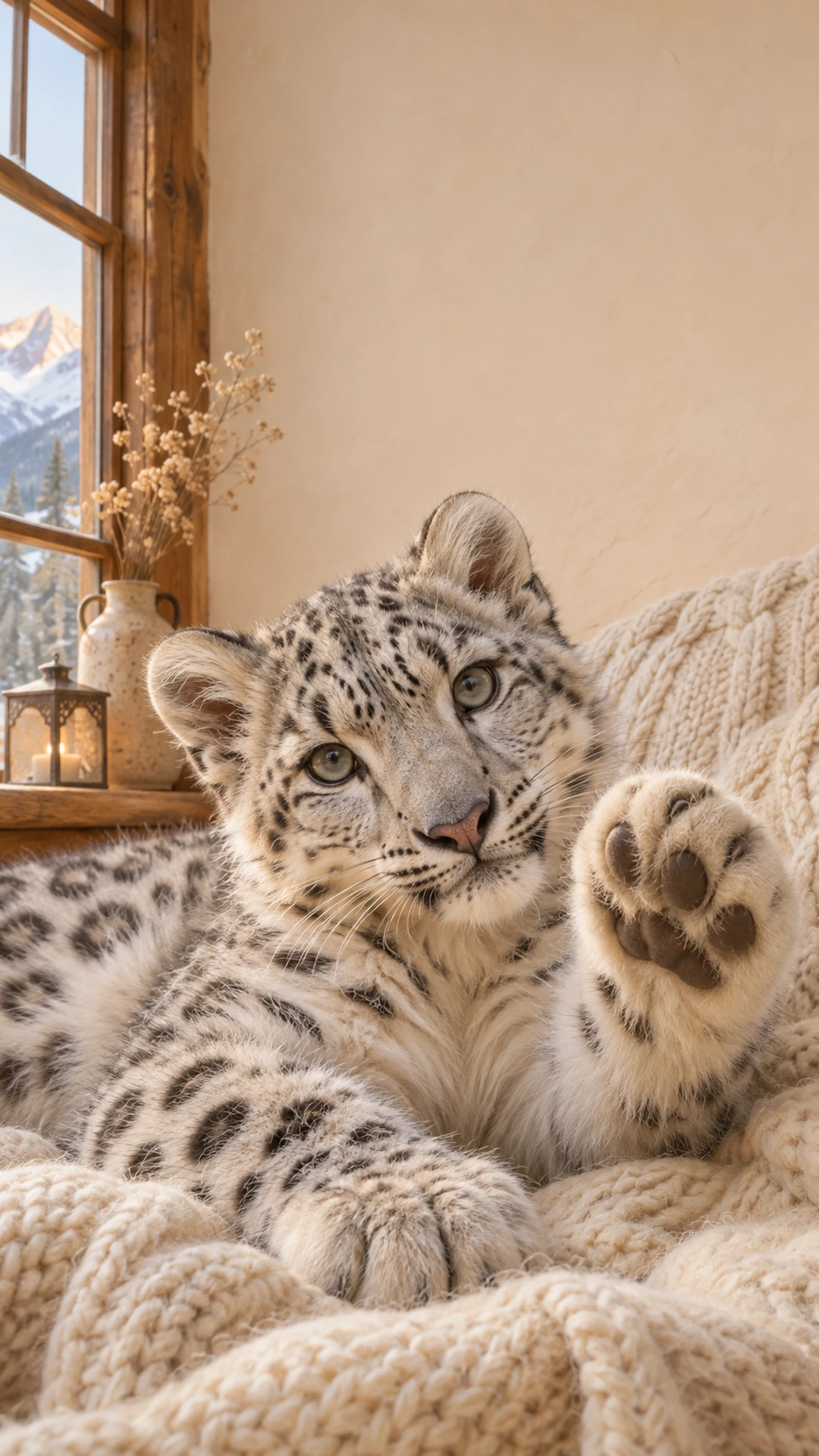
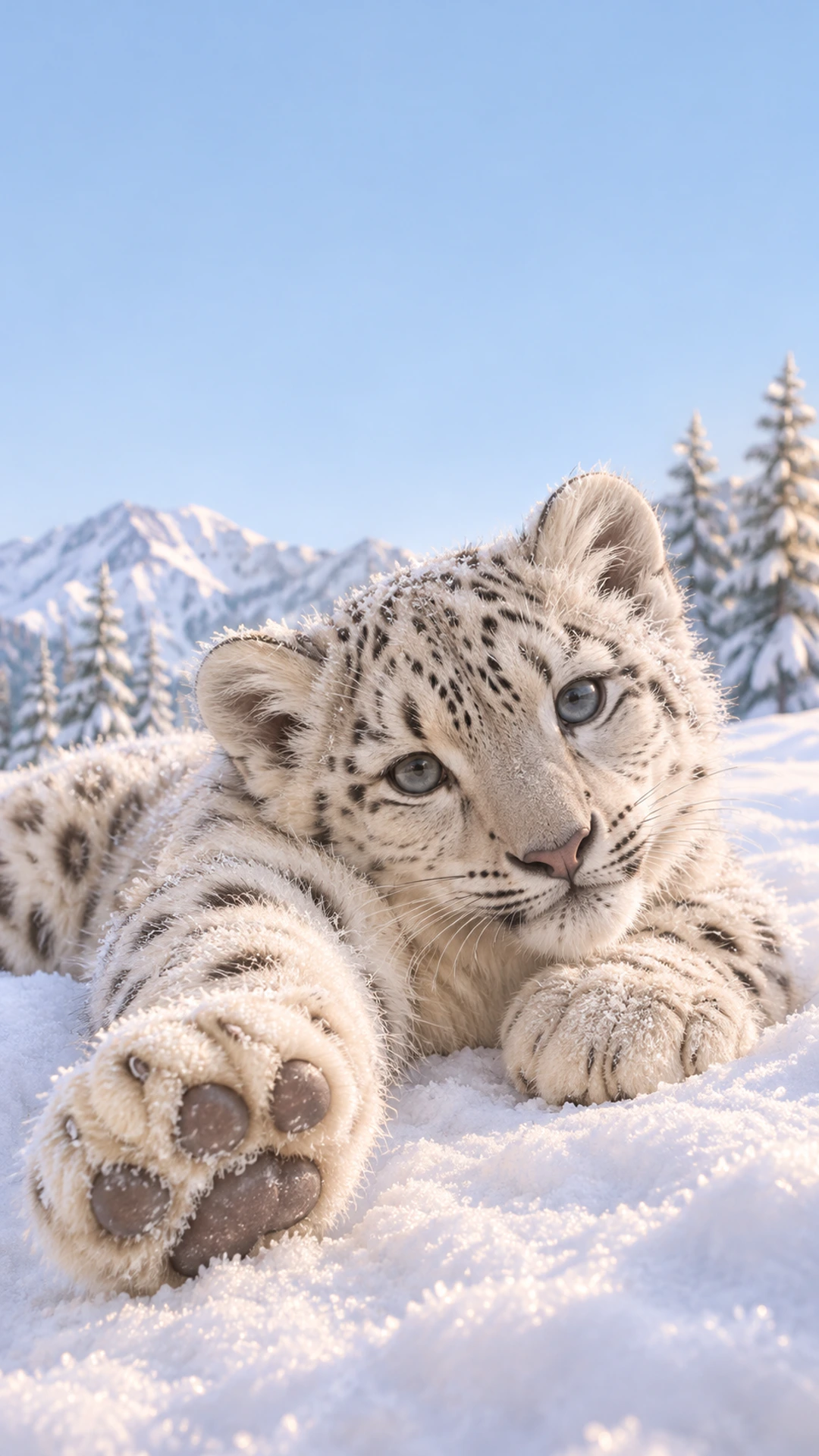
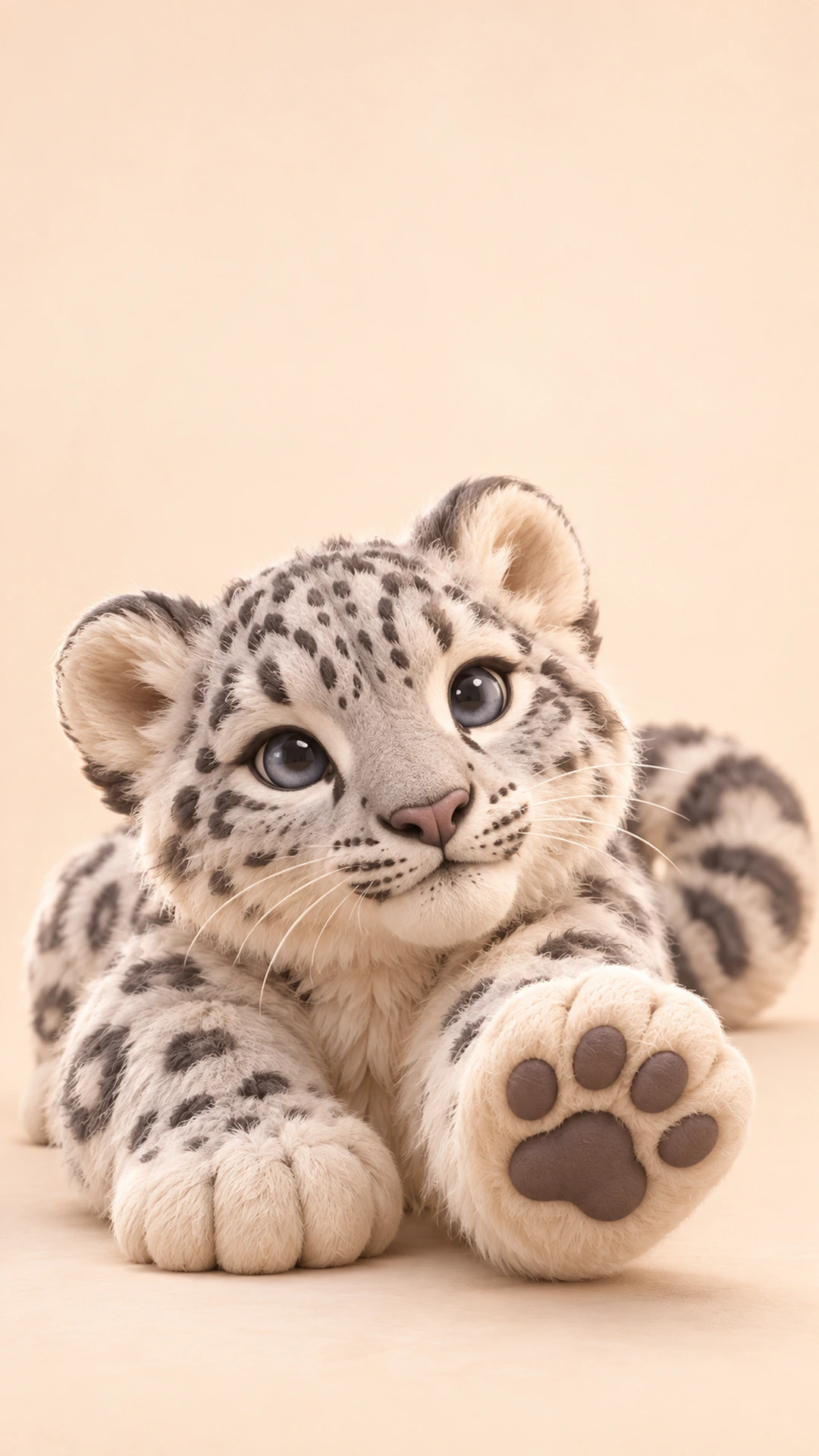
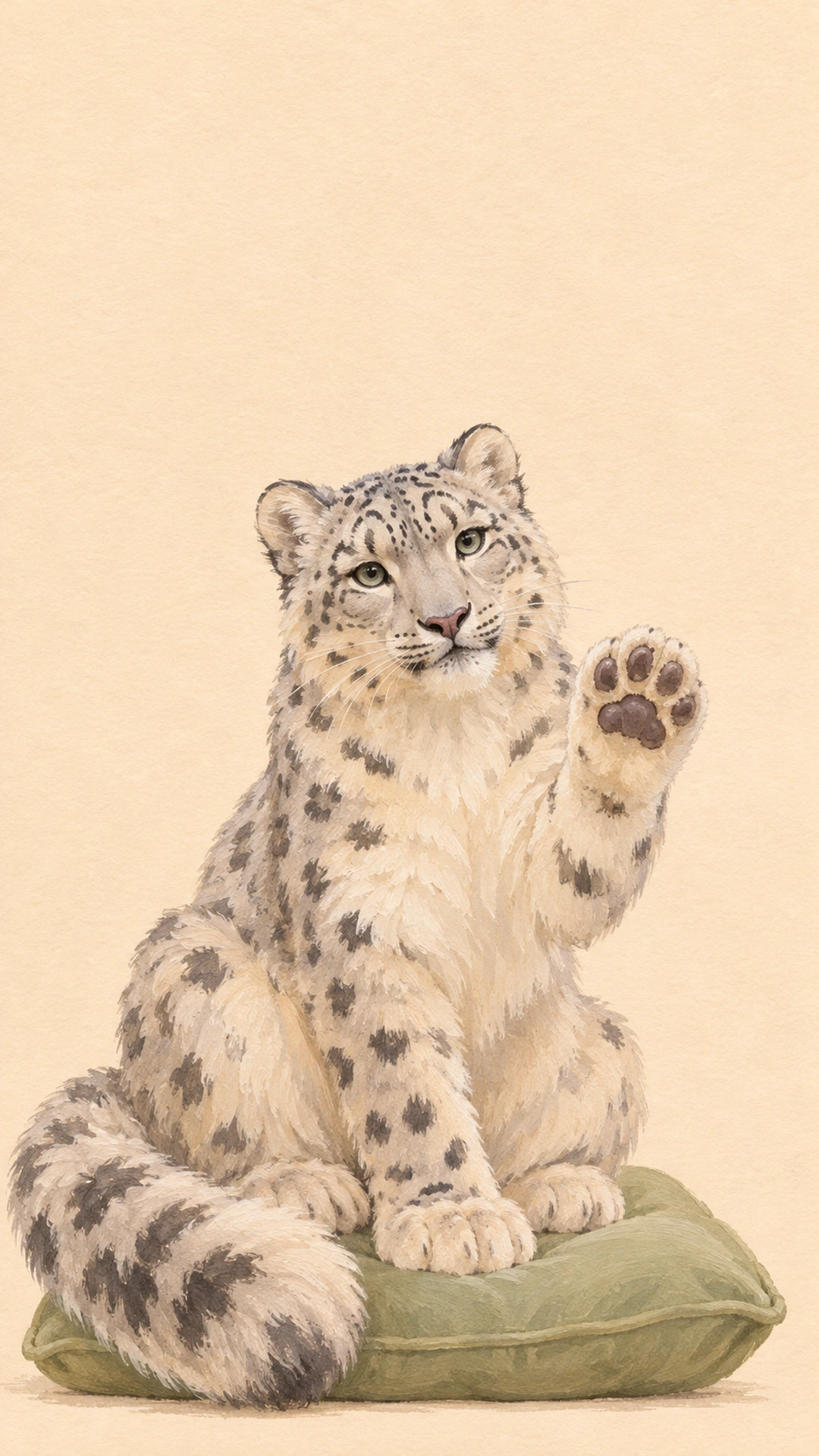
How do I make a paws-at-you phone wallpaper?
Choose a portrait from the sample library, or open a PNG, JPEG, or WebP photo from your device. Phone mode saves a 1080 × 1920 image. Move the horizontal and vertical controls until the face and reaching paw sit comfortably inside the frame. Zoom in only as much as you need. The preview is the exact PNG you will download, so wait for it to finish updating before saving. Nothing is added over the picture. Your clock, widgets, and notifications come from your phone after you set the image as its wallpaper.
Which pet photos work best as wallpaper?
A clear, well-lit photo with space around your pet gives you more room to crop. Keep the eyes and the paw away from the edge, especially if your phone rounds the screen corners. For a lock screen, try leaving the upper third quiet so a large clock remains readable. A busy patterned blanket can work better on a home screen with fewer icons. If your photo feels too tight at the lowest zoom, choose a wider original instead. Cropping cannot recover details outside the original image, and enlarging a small photo cannot create real additional detail.
Can I make a desktop pet wallpaper too?
Switch to Desktop for a 1920 × 1080 PNG. The landscape samples place animals toward the lower right, leaving useful room for desktop icons on the left. You can still use any portrait photo, but a wide crop will remove much of its top and bottom. Check the full preview before downloading. These two sizes are Full HD wallpaper formats, not 4K. On an ultrawide monitor or tablet, your operating system may crop the saved image again. Use its fit option when you want to keep the entire composition visible.
Is the wallpaper maker free and private?
Yes. Choosing a sample, cropping your own photo, and exporting a PNG require no account or credits. Your selected photo is processed in this browser and is not uploaded by this tool. Samples are downloaded from this site so they can be edited locally. Accepted uploads are PNG, JPEG, and WebP files up to 10 MB. If a photo will not open, try saving a fresh JPEG copy in your photo app, then choose it again. Keep the tab open until the download starts. You can clear the current photo or replace it whenever you like.
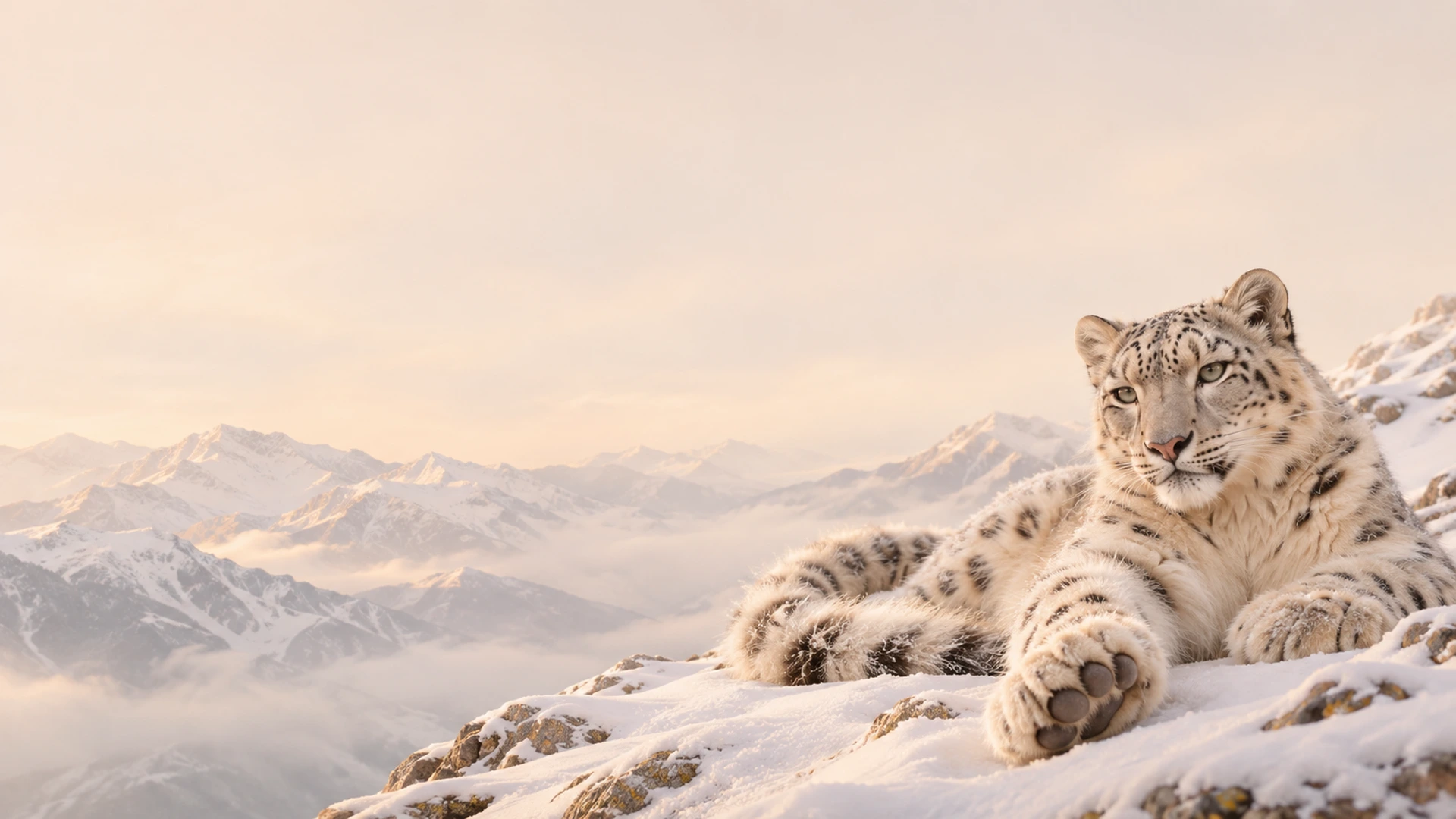
Are the snow leopard wallpapers real photos of Mei Mei?
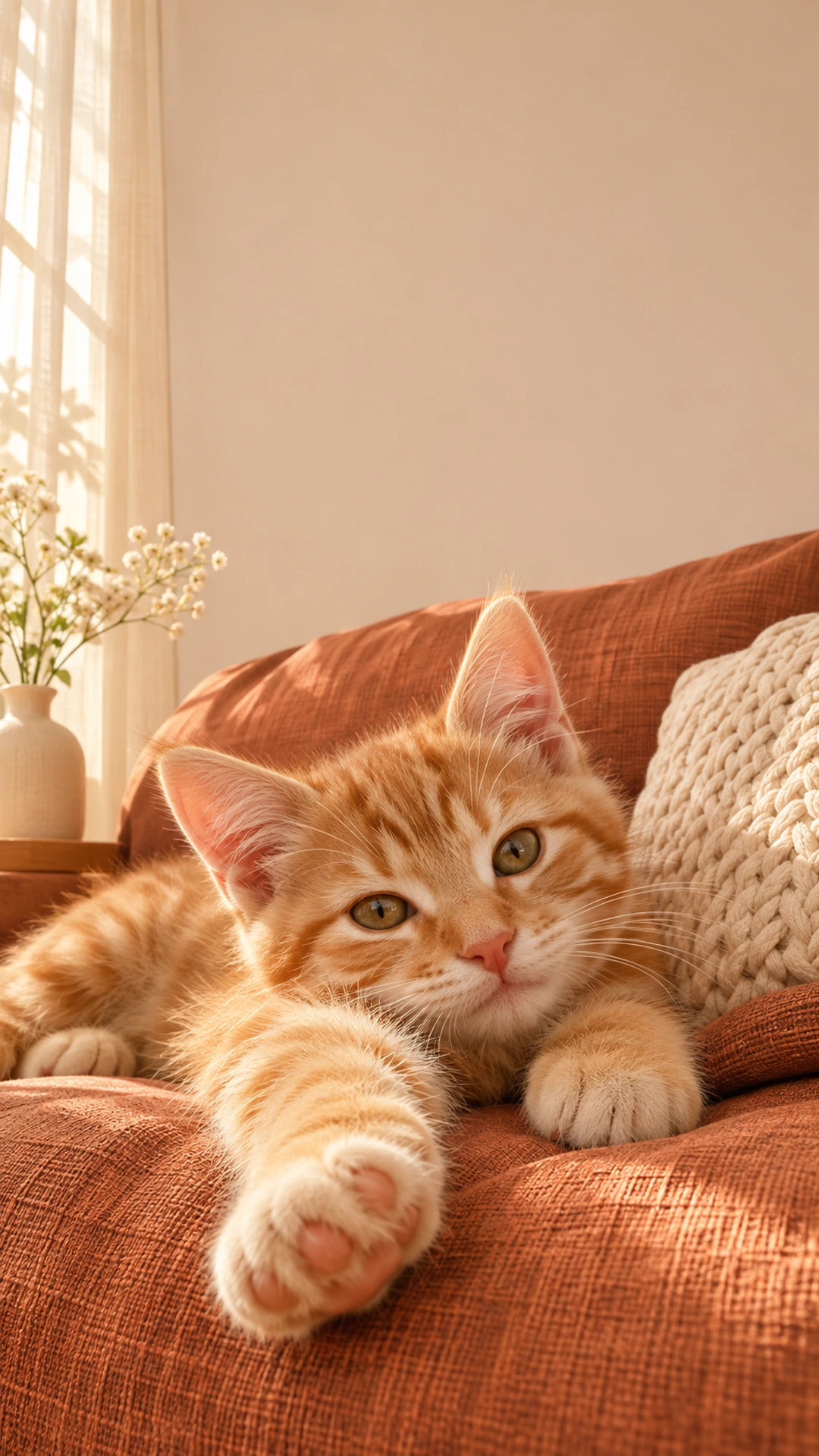
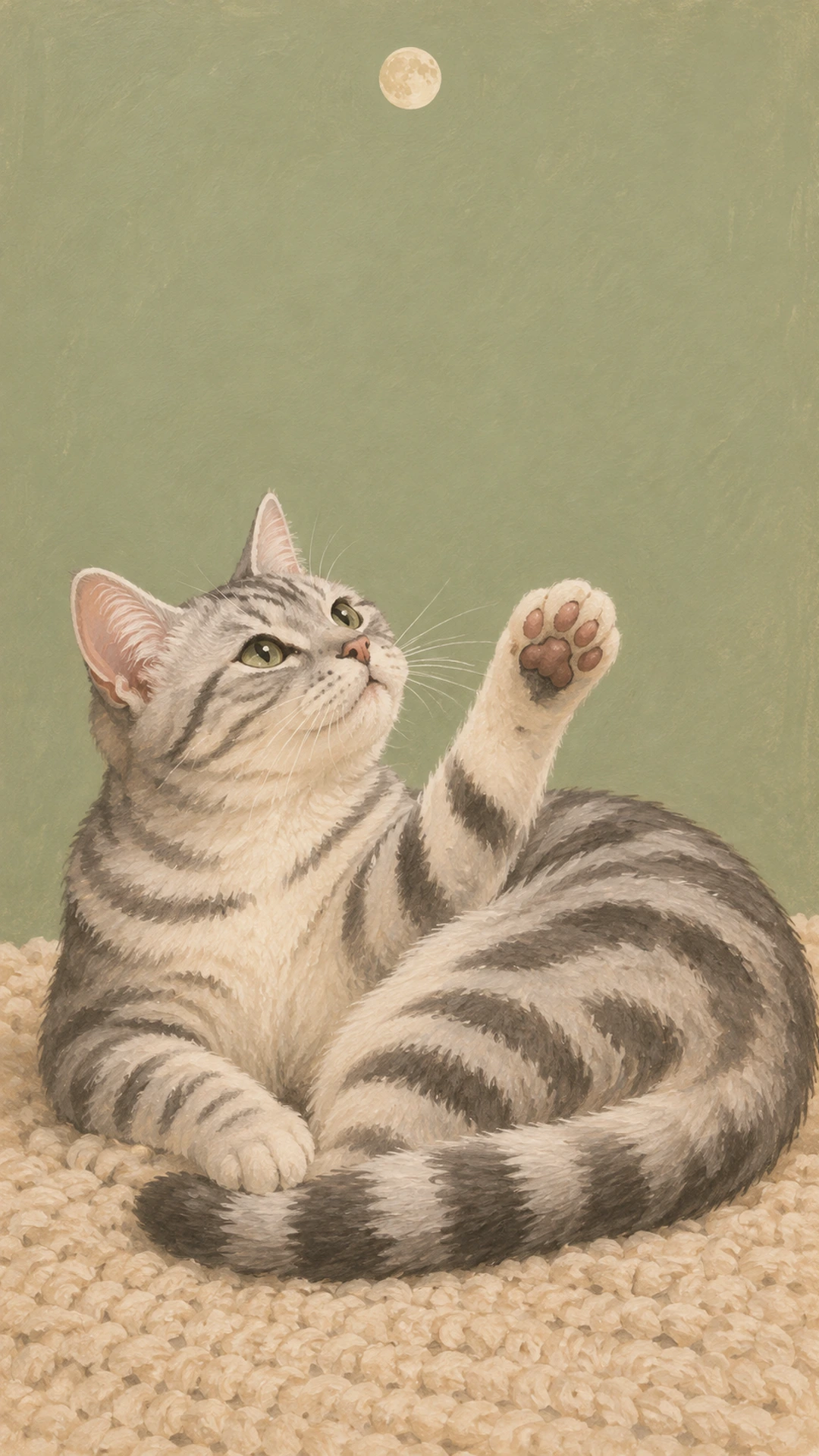
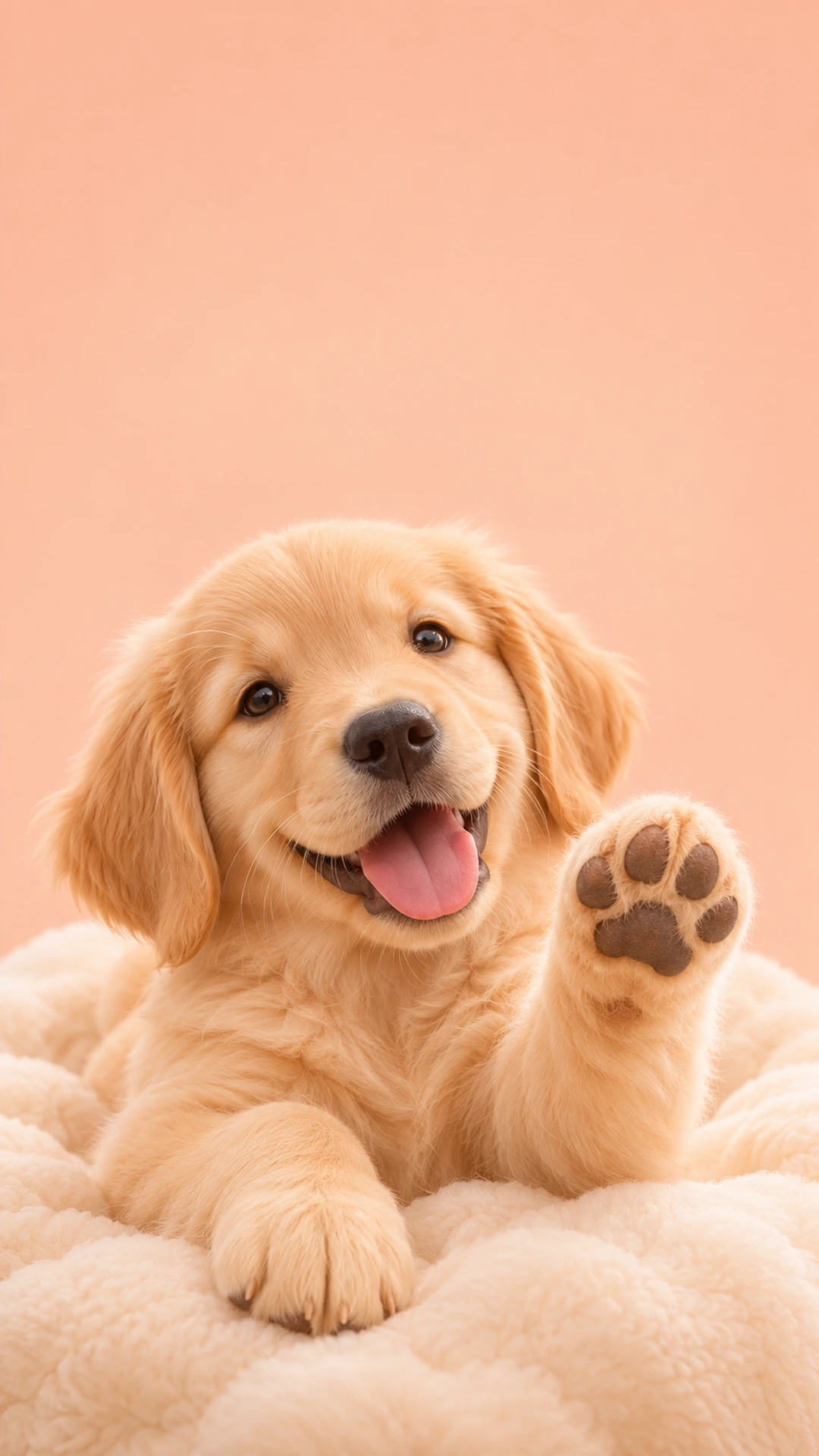
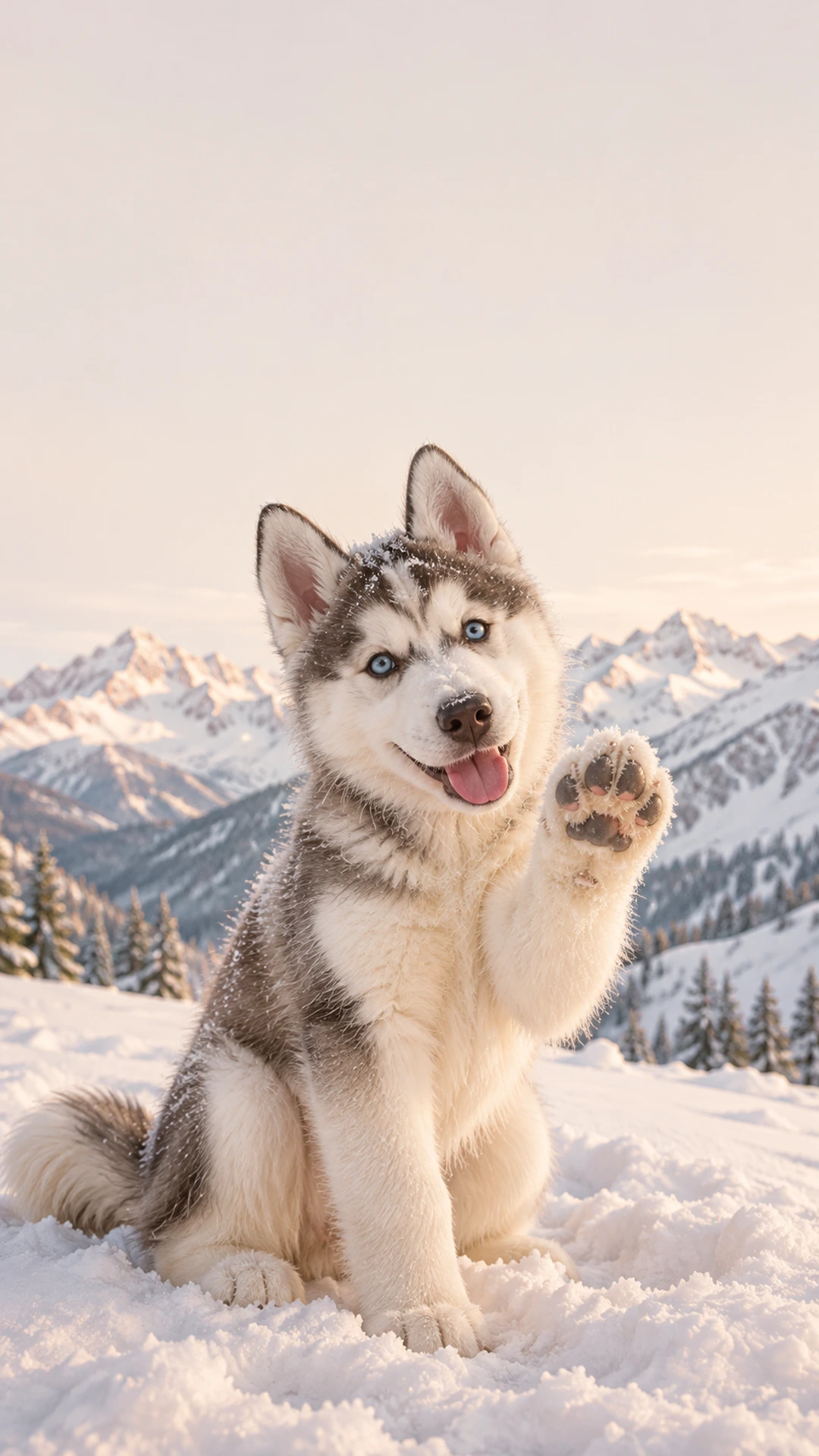
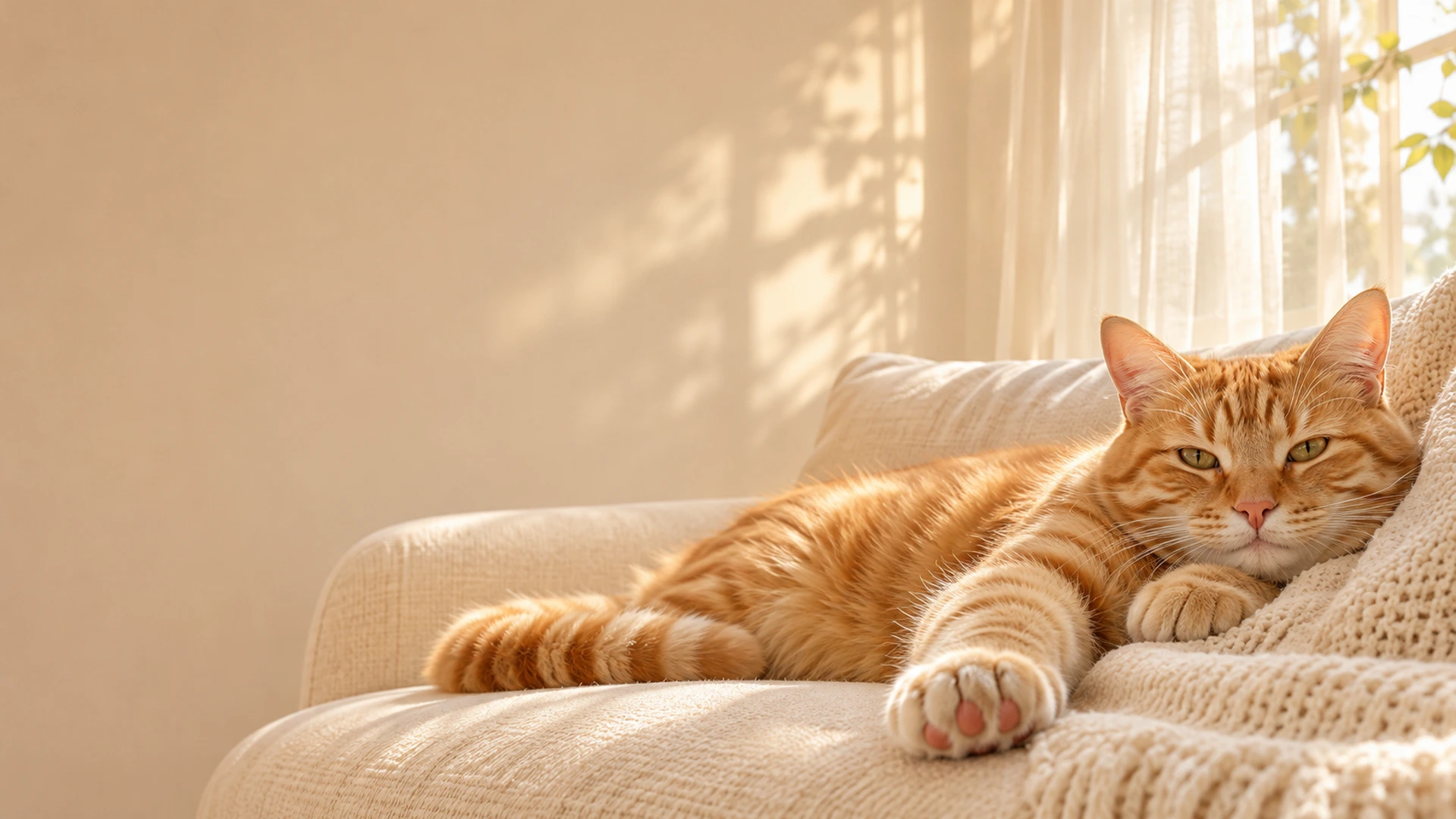
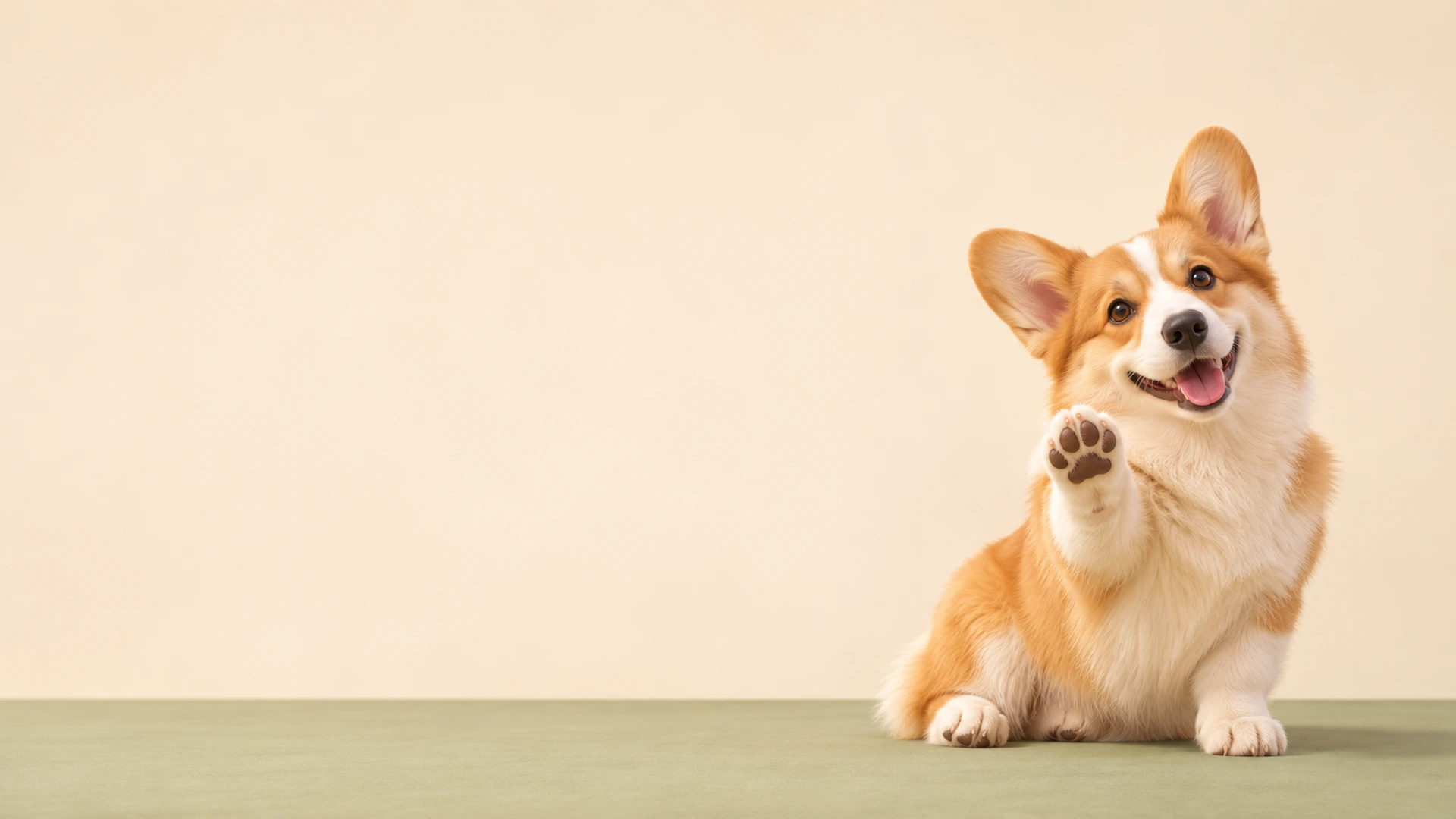
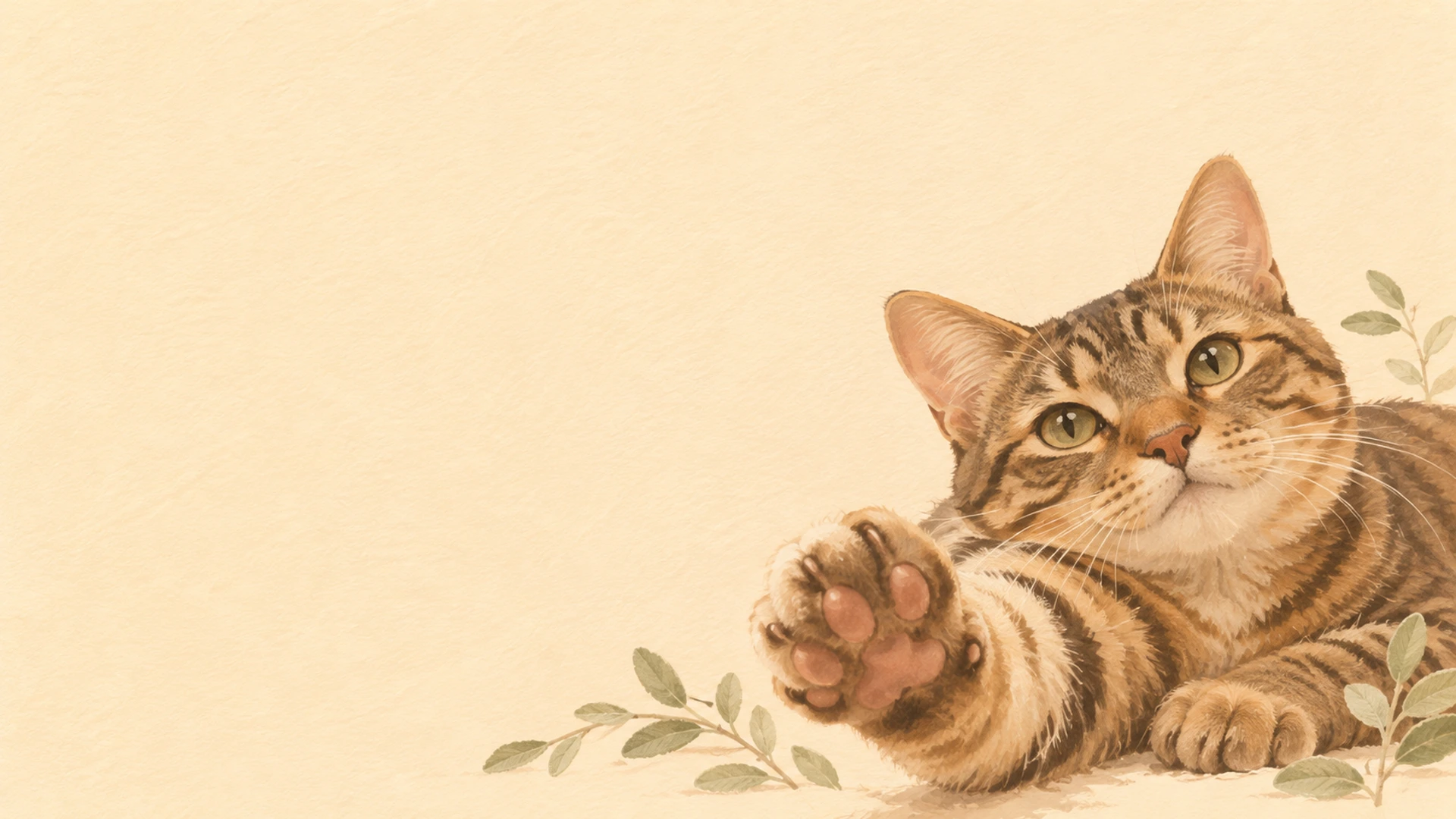
No. The library contains twelve original AI-made sample artworks, including fictional snow leopards, ginger and tabby cats, and dogs. They explore cozy photography, snowy alpine scenes, soft 3D, and minimal illustration. They are not photographs of a particular famous animal, customer uploads, or results made by the free crop tool. Choose one as a starting point, adjust its framing, or download its WebP wallpaper directly. For a personal keepsake, use your own pet photo and keep the original file safely in your photo library.
How do I set the PNG as my wallpaper?
Find the saved PNG in your downloads or photo library, then use your device settings to choose it as a lock screen, home screen, or desktop background. Preview both screens if your phone offers separate layouts. Some phones apply their own zoom or depth effects, so reduce those if the paw is cut off. If you want motion rather than a still background, visit the GIF maker. The free meme template is a separate option for adding a short caption. A wallpaper export stays still and contains no caption or watermark.