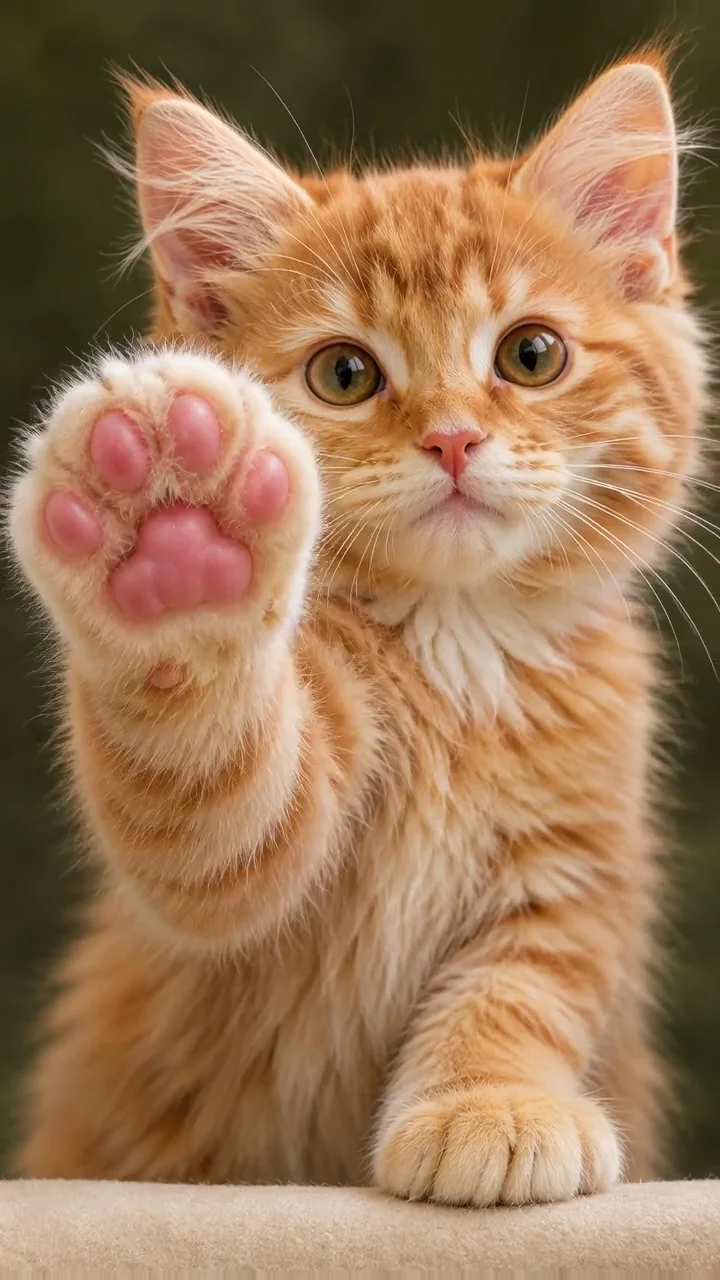
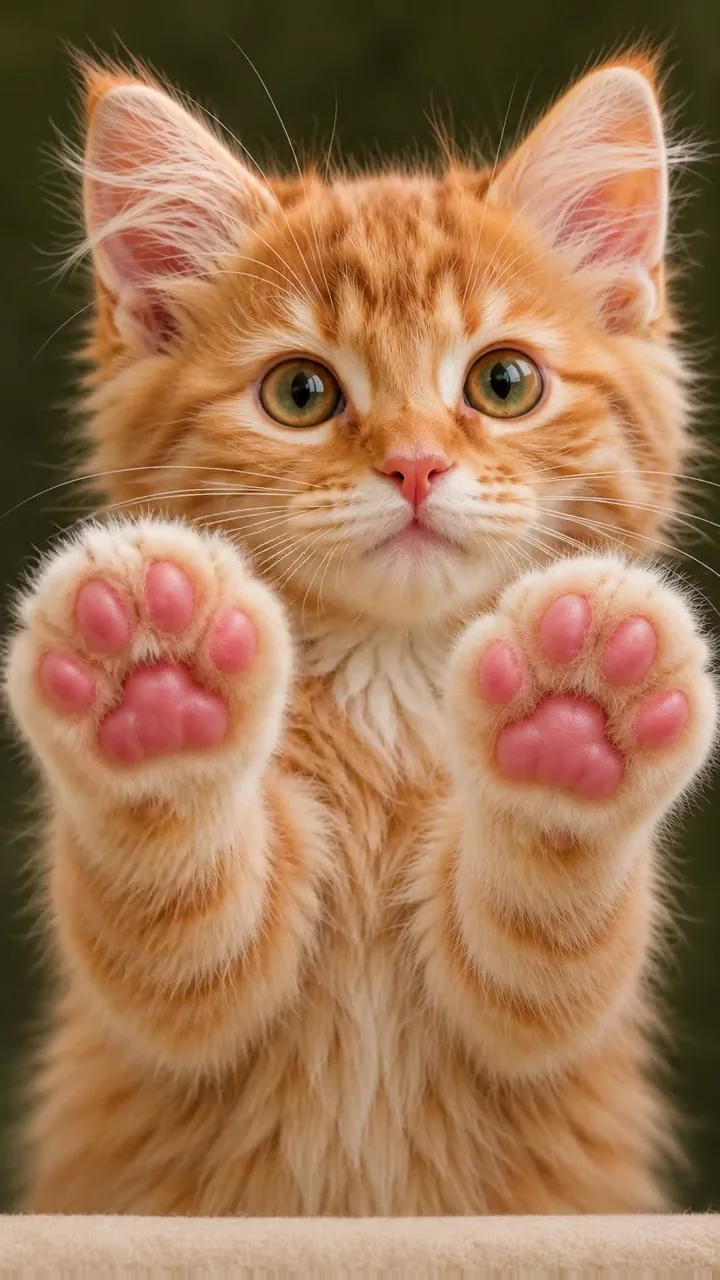
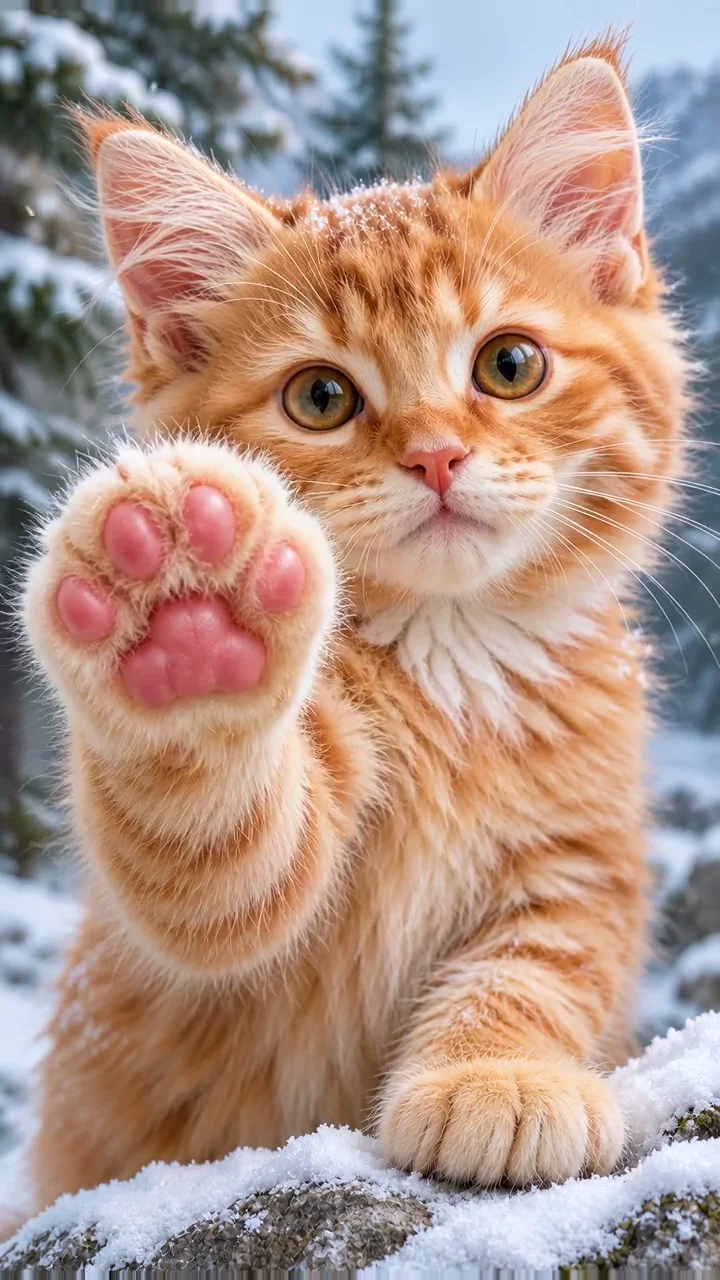
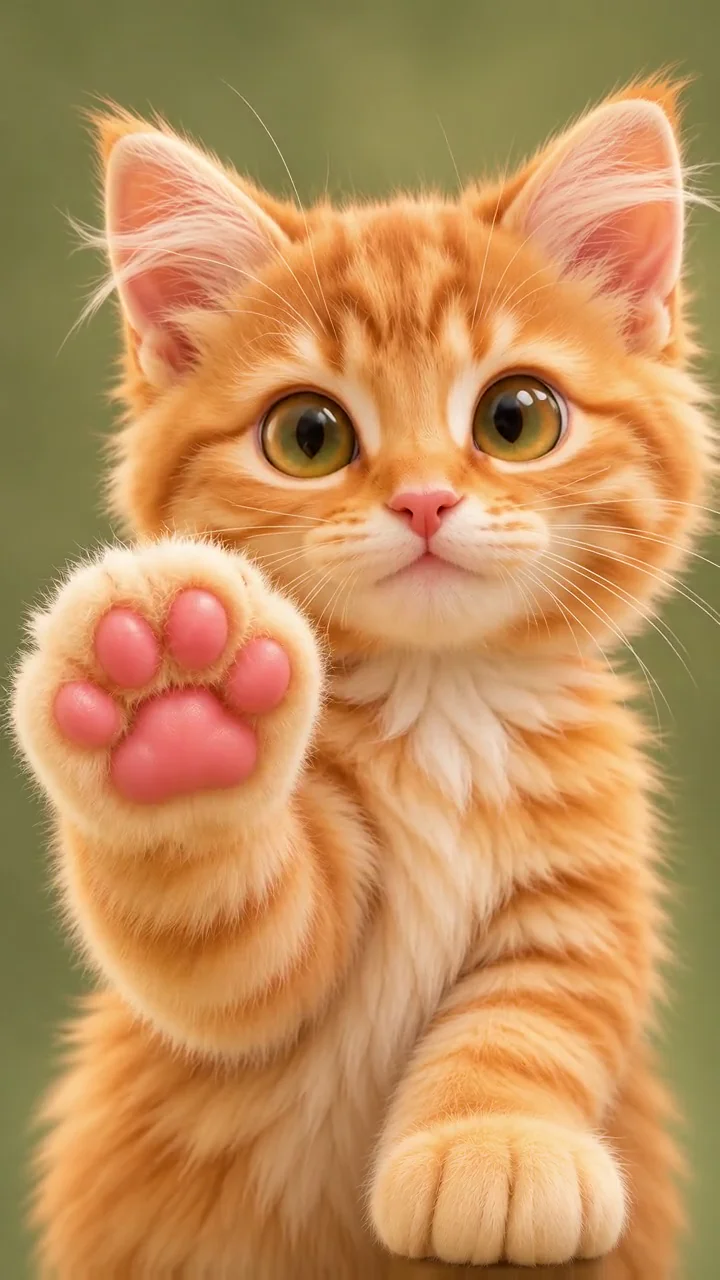
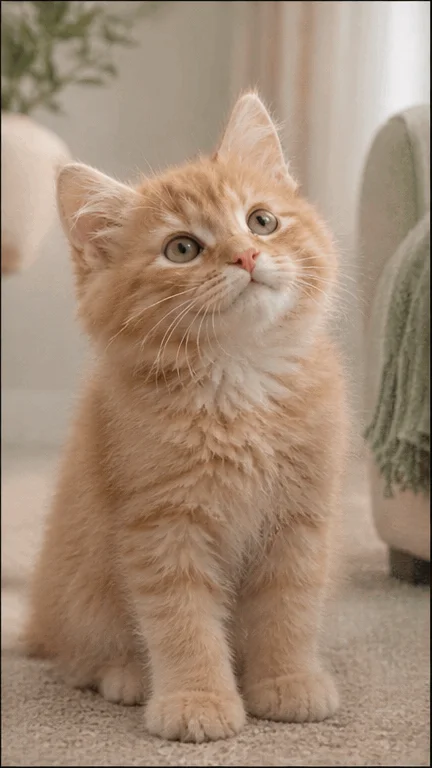
Make a paws at you GIF with a pet photo you own or have permission to use. This editor creates a new animated reaction from that photo, rather than supplying a clip from the original meme. A cat photo is a natural starting point, but the subject is your pet, not a promised recreation of a particular snow leopard.
Each GIF generation costs 2 credits. Check your balance before starting. The free PNG editor is separate and does not spend credits.
How do I make a paws at you cat GIF?
Choose a clear photo with one visible pet and a recognisable face. The editor crops the photo to a vertical 9:16 frame, so leave room around the head and paws. Pick one paw, double paw, snowy or 3D cartoon, then review the selected photo before starting. Sign in to submit the job and keep its reference in My Creations. The pose guides the request; it does not guarantee exact anatomy or motion. A busy background or hidden paws can make the result less predictable.
Should I choose a free PNG, MP4 or native GIF?
Use the free PNG editor for a still reaction image with your own caption. Choose MP4 on the homepage when you want a pet video. Choose this native GIF editor for a short looping animation without converting a video. Its output is nine frames at 200 milliseconds each, about 1.8 seconds per loop, not a five-second GIF. Preview the completed result before downloading it. The destination app controls how a downloaded GIF plays or whether it animates at all, so check the file in the place you intend to share it.
Looking for the snow leopard meme GIF?
People also search for “snow leopard meme GIF” when looking for the paws at you reaction. This page is a maker for a new animation of your pet, not a download library of the original snow leopard footage or a source of permission to reuse it. For the meme’s background and meaning, read our origin guide. If you only need a still image, the free template editor may be a better fit than a paid animation.
Is this a video-to-GIF converter?
No. This tool requests a native animated GIF directly from your pet photo. It does not import or transcode existing videos. Select a pose, start a job when GIF creation is available, then preview and download the completed animation from the editor or My Creations.
What happens if my GIF fails or submission is unconfirmed?
Credits are used when the job starts. Confirmed failures follow the credit refund flow; a refund is shown only after the credit ledger records it. An unconfirmed submission is different: it stays charged for review and is not automatically submitted again. Keep the job reference and check My Creations rather than starting another job just to check its status.
Can I generate a GIF when the editor is unavailable?
No. If GIF creation is unavailable, this page remains a guide but does not offer an active generation button. You can still use the free PNG editor. Video availability is separate, so check the homepage editor before choosing MP4.